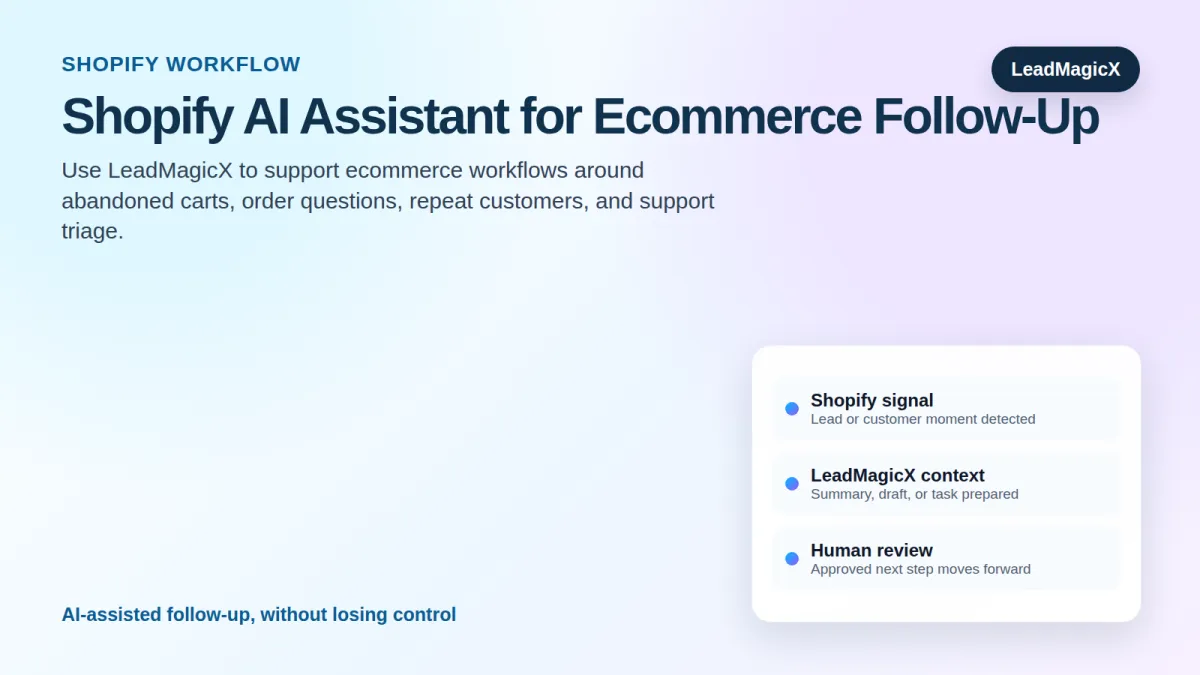
Shopify AI Assistant: Automate Customer Support, Orders, and Abandoned Cart Follow-Up
Shopify AI Assistant: Automate Customer Support, Orders, and Abandoned Cart Follow-Up
A Shopify AI assistant helps ecommerce founders, store operators, support teams, and agencies managing Shopify growth turn store activity into faster support, better customer follow-up, and more consistent revenue recovery. The point is not to add another app for the team to babysit. The point is to make the work already happening in Shopify easier to understand, prioritize, and act on.
Ecommerce revenue is won or lost in moments: a shopper abandons a cart, a customer asks where an order is, a repeat buyer needs the next right offer, or support gets backed up. The store has the data, but the team still needs fast, useful follow-up.
LeadMagicX fits into this workflow as the AI engine. It helps turn signals, records, messages, and activity into summaries, drafts, task suggestions, and next-step recommendations. Your team stays in control of anything sensitive, customer-facing, financial, or account-changing.
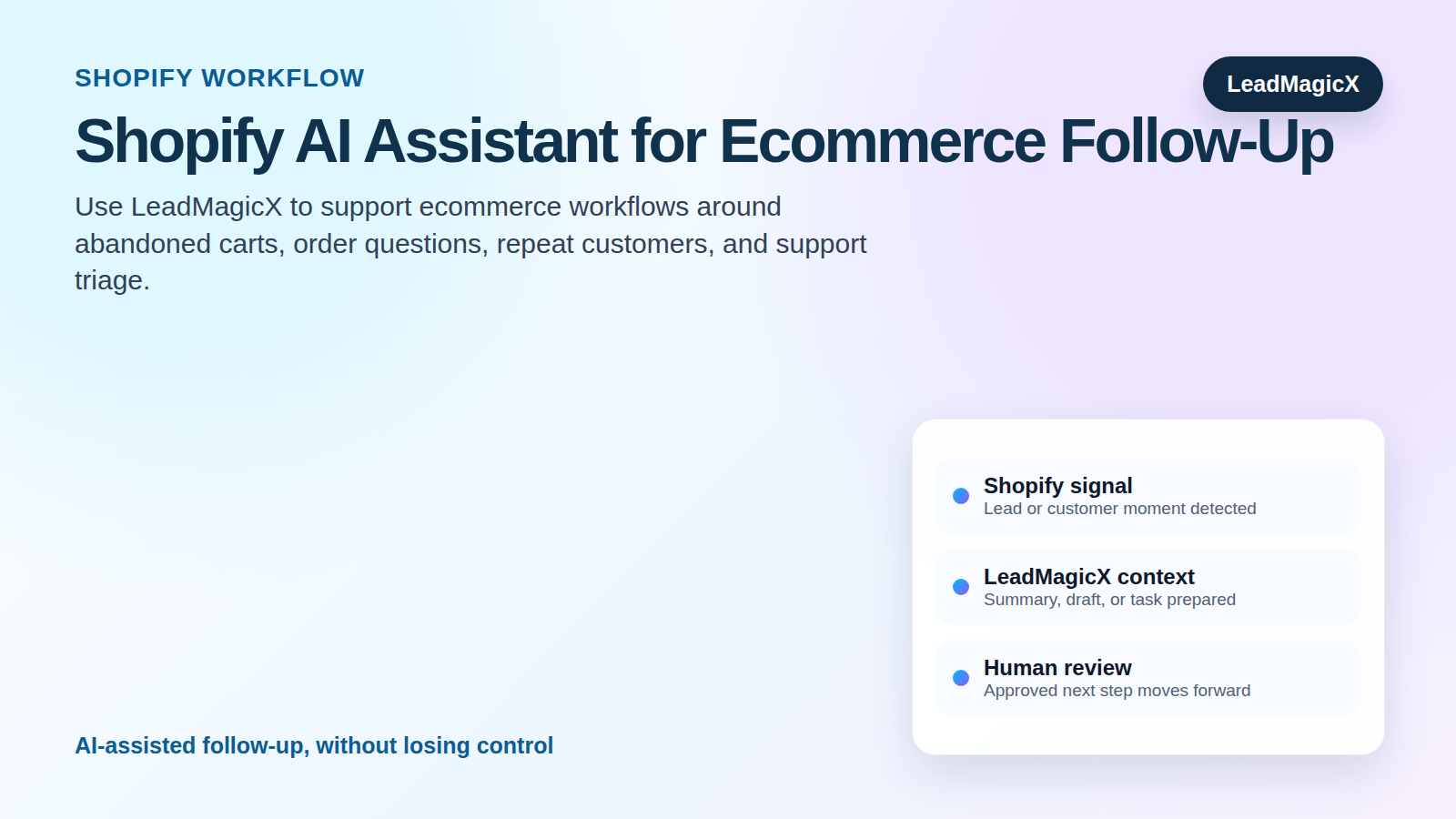
What is a Shopify AI assistant?
A Shopify AI assistant is a workflow that helps interpret store signals, prepare customer support context, draft follow-up, and organize ecommerce tasks.
A useful assistant does three things well. First, it notices the right signal. Second, it adds context so the team understands why the signal matters. Third, it prepares a clear next step that a human can review, approve, and execute.
That is different from basic automation. Basic automation says, "If this happens, do that." An AI assistant helps answer a more valuable question: "Given what we know, what should the team do next?" That difference matters because most business workflows are not just technical triggers. They include judgment, timing, tone, ownership, and risk.
Why this workflow matters
Most teams do not lose opportunities because they lack software. They lose opportunities because handoffs are slow, context is scattered, and follow-up is inconsistent. Shopify may contain the signal, but the team still needs a system for deciding what it means and who owns the next step.
A LeadMagicX-powered workflow helps reduce that gap. It can help your team move from raw activity to a clear action plan. Instead of relying on someone to manually read every update, remember every policy, and write every response from scratch, LeadMagicX helps prepare the work so the team can move faster.
This is especially valuable when the workflow affects revenue, support quality, customer experience, or operational speed. The goal is not full autopilot. The goal is better execution with less manual sorting.
How the workflow works
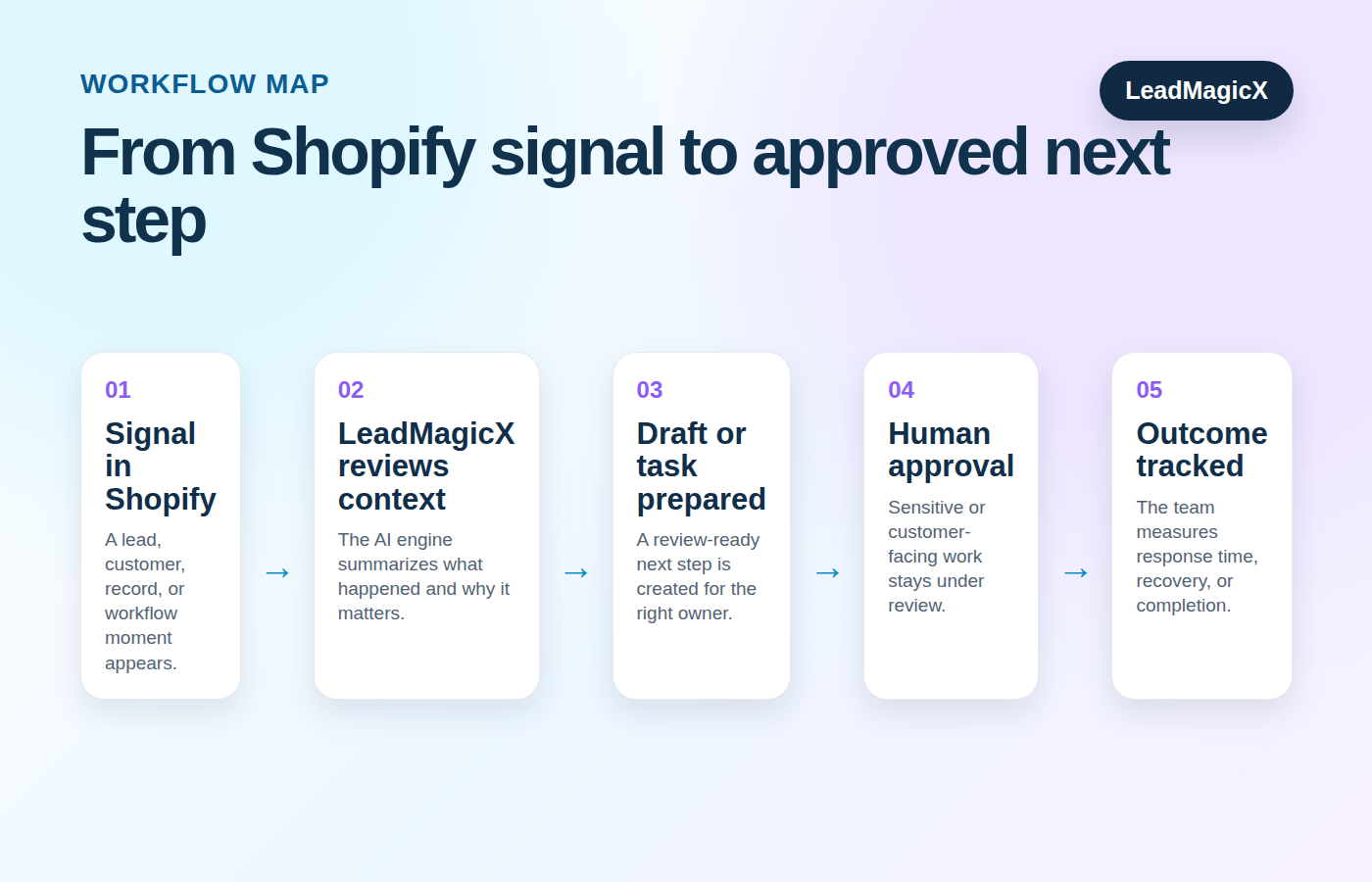
Here is what that looks like in plain English:
- A customer does something in Shopify that deserves attention, like abandoning a cart, asking about an order, buying again, or showing signs of purchase intent.
- LeadMagicX helps the team understand what happened and what kind of response makes sense.
- For an abandoned cart, that might be a helpful reminder draft. For an order question, it might be a support summary. For a repeat buyer, it might be a suggested nurture or upsell angle.
- A person reviews the message before anything is sent, especially if it involves refunds, discounts, order details, or customer complaints.
- The team tracks whether the workflow improves cart recovery, support response time, or repeat purchase activity.
For example, “abandoned cart” is just an event. The useful version says, “This shopper viewed the same product twice, left checkout, and may need reassurance about the product or delivery. Prepare a helpful follow-up without inventing a discount.”
Best workflows to build first
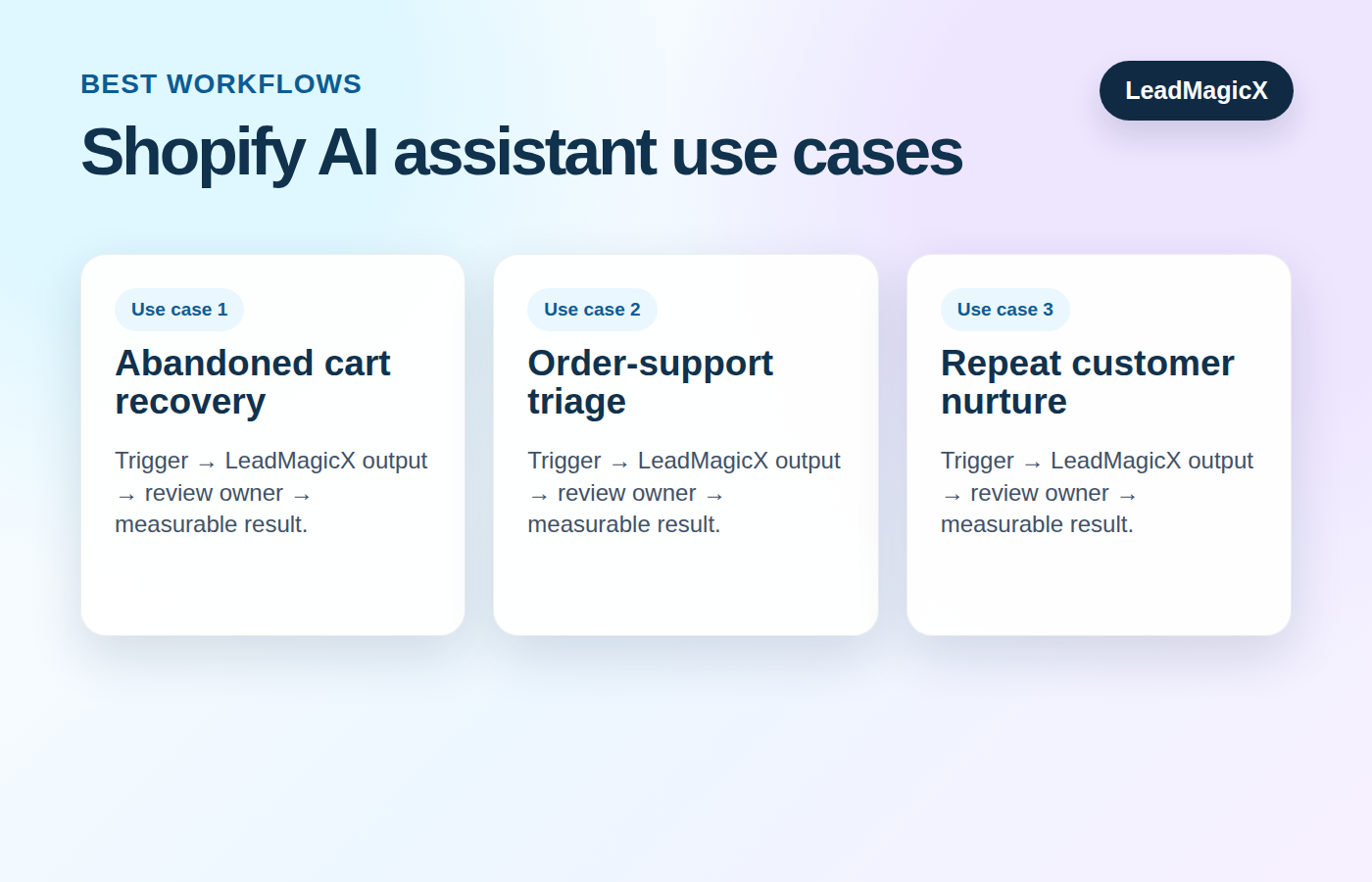
Abandoned cart recovery
Trigger: A shopper leaves the checkout or shows buying intent without completing purchase.
How LeadMagicX helps: LeadMagicX prepares a helpful follow-up angle and message draft based on the context.
Review point: Marketing or support approves before sending.
Metric to watch: Cart recovery rate
Order-support triage
Trigger: A customer asks about shipping, delivery, refund, product issue, or order status.
How LeadMagicX helps: LeadMagicX summarizes the issue, identifies missing details, and suggests support routing.
Review point: Support verifies source data.
Metric to watch: Time to first support action
Repeat customer nurture
Trigger: A customer makes a repeat purchase or shows interest in related products.
How LeadMagicX helps: LeadMagicX suggests a customer care note, upsell angle, or next-step campaign.
Review point: Marketing approves message.
Metric to watch: Repeat purchase engagement
Start with one of these workflows, not all of them at once. The fastest way to make AI automation disappointing is to make it too broad too early. Pick one signal, one owner, one output, and one success metric. Once that workflow is reliable, expand from there.
Implementation blueprint
- Pick the business moment that matters most. For example, a new lead, a missed appointment, a support request, a payment issue, a reporting change, or a task handoff.
- Define the signal in plain English. If your team cannot explain the trigger clearly, the automation will not be clear either.
- Decide what context LeadMagicX should use. This might include recent activity, notes, source data, approved messaging, or previous outcomes.
- Choose the output. The safest starting outputs are summaries, drafts, task suggestions, and review-ready recommendations.
- Set the human review rule. Anything public, sensitive, financial, account-changing, or strategic should stay under review.
- Assign ownership. A workflow without an owner is just a very organized way to ignore something.
- Track one metric. The workflow should improve response time, completion rate, recovery, conversion, quality, or another measurable outcome.
What LeadMagicX should handle
LeadMagicX should help with the thinking layer of the workflow: summarizing context, identifying intent, preparing the first draft, recommending a next step, and organizing the handoff. That is where AI creates leverage without removing human judgment.
For a Shopify AI assistant, the strongest use cases usually involve prioritization and preparation. LeadMagicX can help your team understand what happened, why it matters, and what should happen next. That makes the team faster without forcing them to trust a workflow they cannot inspect.
What should stay in Shopify
Shopify should keep its core job. Do not use an AI assistant as a replacement for the system that owns the original data. If the workflow depends on an email, appointment, invoice, campaign, order, row, note, or CRM record, that source should remain traceable.
This is also important for trust. A prospect or customer does not care how clever the automation is if the follow-up is wrong. The workflow should make the team more accurate, not just busier at a higher speed.
Human review and safety guardrails
Keep human approval in place for:
- Customer-facing messages
- Billing, invoice, refund, cancellation, or payment-related communication
- CRM field changes or account updates
- Ad budget, campaign, or targeting decisions
- Legal, compliance, policy, or pricing language
- Any response that could affect customer trust
This does not make the workflow slower. It makes the workflow usable. LeadMagicX can prepare the work, surface the context, and recommend the next step. The human reviewer confirms accuracy and tone before the action goes live.
Example workflow
A shopper views the same product twice and abandons the cart. LeadMagicX can help prepare a recovery message focused on the benefit, the likely hesitation, and the next step. For support questions, it can help summarize the request before a human checks the order record and replies.
That is the practical value of a Shopify AI assistant. It does not just connect systems. It helps your team make a better decision at the moment when action matters.
Mistakes to avoid
- Treating every store event as a marketing blast
- Sending refund or order messages without review
- Using abandoned cart copy that ignores the product context
- Mixing customer support issues with aggressive sales follow-up
- Forgetting to measure recovery and support outcomes
A good AI assistant workflow should feel calm and useful. If it creates more alerts, more channels, more review confusion, or more cleanup, it is not solving the problem. It is just adding glitter to the bottleneck.
Metrics to track
- cart recovery rate
- time to first support action
- repeat purchase rate
- support backlog size
- customer response approval rate
Pick one primary metric for the first version of the workflow. Once the workflow is stable, add supporting metrics. For example, response speed is useful, but response quality matters too. Task volume is useful, but completed tasks matter more. Reports are useful, but decisions made from the reports matter most.
FAQ
Is a Shopify AI assistant the same as basic automation?
No. Basic automation follows rules. A useful AI assistant adds context, prepares a recommendation, and helps the team decide what should happen next.
Should the workflow take action automatically?
Start with review-ready outputs. Summaries, drafts, task suggestions, and team recommendations are safer first steps. Live actions should only be used when the workflow, permissions, and approval rules are clear.
What is the best first workflow to build?
Start with the workflow that has a clear trigger, a clear owner, and a measurable business outcome. The best first workflow is usually the one where slow follow-up is already costing time, revenue, or customer trust.
How does LeadMagicX fit into this?
LeadMagicX acts as the AI engine that helps interpret context, prepare next steps, and support execution. The connected app remains the place where the original signal or record lives.
Related LeadMagicX reading
If customer follow-up is part of a broader automation plan, these related LeadMagicX articles add useful context:
- build a full email sequence in minutes
- see how LeadMagicX is evolving into AI-powered teams
- understand the 3-piece powerhouse behind LeadMagicX
Ready to build a smarter workflow?
Use LeadMagicX to help your ecommerce team respond faster, follow up smarter, and protect customer trust. Start with one high-value workflow, define the signal, keep human review where it matters, and measure the outcome. That is how you turn an AI assistant from a nice idea into a business system your team will actually use.